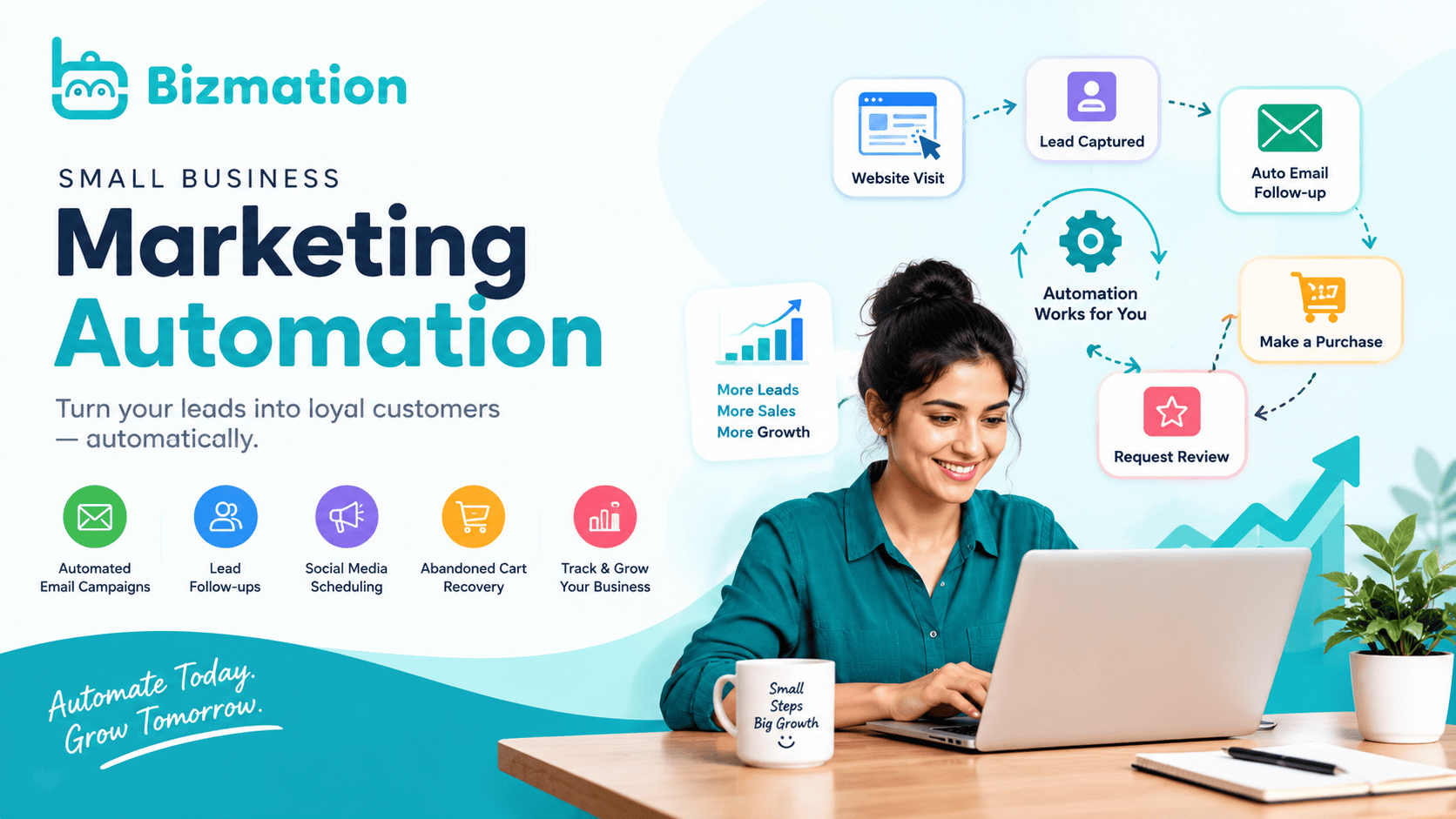
Small business marketing automation is software that sends emails, tracks sales leads, and updates customer records without manual data entry. Setting up a basic workflow takes about 3 to 5 hours, is often free or low-cost on entry-level plans, and carries a medium difficulty rating. Before starting, you need a clean list of opted-in customer email addresses. Software plans change their feature limits often, so check the pricing page of your chosen platform to confirm current send limits.
|
Item |
How much |
Why it's needed |
A substitute |
|---|---|---|---|
|
Email platform account |
1 active account |
Sends scheduled messages to contact segments |
none — don't swap this |
|
Verified domain email |
1 sending address |
Protects delivery rates to inboxes |
none — don't swap this |
|
Lead capture form |
1 embeddable form |
Collects new user signups on your website |
Landing page form tool |
|
Welcome email copy |
3 draft emails |
Delivers initial value to new subscribers |
none — don't swap this |
|
Customer segment list |
1 initial list |
Groups contacts by recent buying actions |
Single general subscriber list |
|
Web tracking script |
1 installed tag |
Triggers messages based on user browsing |
Manual customer purchase entry |
Turn off any active autoresponders inside your store backend so customers don't receive double emails.
Export a fresh CSV backup of your existing contact database before uploading files to a new tool.
Place your website in maintenance mode if you edit live code while pasting tracking scripts.
Clean your contact records to remove inactive or mistyped addresses; skipping this step leads to high bounce rates that damage sender reputation.
You must follow consumer consent laws: marketing campaigns directed at United States consumers require clear opt-out links under the FTC CAN-SPAM Act compliance guide.
Create your sender profile by entering your business physical address and domain email inside the platform account settings. Check that domain verification records show green checkmarks.
Build an opt-in web form containing fields for first name and email address. Test the form by submitting your own test email to confirm data saves correctly.
Paste the platform's JavaScript tracking snippet into the header of your website. View your site source code to verify the script appears across all main pages.
Set up an audience tag labeled "New Lead" to apply whenever a visitor submits your sign-up form. Check your contact dashboard to see that the test entry has the tag.
Draft an initial welcome message offering the specific discount or resource you promised on the sign-up page. Send a preview to your inbox to check mobile layouts.
Build a workflow rule that triggers immediately when the "New Lead" tag is added to a user profile. Confirm the workflow status is set to active.
Add a delay step set to 48 hours for standard promotional sequences, but reduce it to 24 hours if you sell fast-moving retail goods. Check that the timer displays the correct unit.
Write a second follow-up email asking about the customer's buying preferences and attach a link to your best-selling catalog. Send a test email to verify link tracking.
Link an exit condition that pulls contacts out of this onboarding flow if they complete a checkout event. Verify that a test purchase halts subsequent welcome messages.
Check your automation platform's real-time log 10 minutes after submitting a live test through your website form. You should see a new subscriber profile created with the correct tag attached, and your inbox should receive the welcome message within 60 seconds. In your dashboard, the open rate for the initial welcome email should settle between 30% and 50% for opted-in leads after 48 hours. If the log displays a "Delivery Failed" status, or if the open rate stays at zero after 20 real signups, your domain authentication is misconfigured. A trade-off here is personalization depth versus setup speed: collecting phone numbers and business sizes allows targeted messaging, but it reduces sign-up form conversions.
|
What happened |
Why |
What to do |
|---|---|---|
|
Emails land in spam |
SPF or DKIM records are missing |
Add DNS TXT records to host |
|
Workflow fails to trigger |
Trigger tag spelling doesn't match |
Update form settings to match |
|
Double messages sent |
Two automation rules share triggers |
Deactivate duplicate marketing flows |
|
Form entries dropped |
API connection between form and tool broke |
Reconnect account authorization token |
|
High unsubscribe spikes |
Emails send too frequently to leads |
Increase delay timer between messages |
|
Data fields show blank |
Field names mapped incorrectly during import |
Remap customer columns in CSV |
Review your workflow metrics regularly to check unsubscribe rates and link activity. Clean your contact segments periodically by archiving addresses that haven't opened an email in a while. Two factors change this approach: total subscriber volume and your product purchase cycle. If your list grows by more than 1,000 new contacts each month, run list maintenance more frequently instead to keep bounce rates below 2%. If your store sells seasonal goods, pause or swap your email content seasonally to match peak inventory changes.
Yes. Most modern automation tools provide visual drag-and-drop workflow builders and pre-made templates for common tasks like welcome series and cart recovery. If you can edit a basic document and paste code into your site's header, you can build standard automations without hiring a programmer.
Yes. Service providers use automation to send appointment reminders, request customer reviews, and follow up on pending project estimates. If you manage client bookings, do this; if you rely entirely on walk-in retail foot traffic without collecting customer details, invest in local signage instead.
The automation platform unsubsribes the user automatically to protect your domain delivery health. A common mistake is buying email lists to feed automations; this costs business owners money in wasted software fees and leads to immediate account suspension by email providers for policy violations.
About 3 to 4 emails spaced over 7 to 10 days works best for most retail and service offerings. This sequence gives new leads enough time to read your product information without feeling overwhelmed by daily promotional pitches.
No. This approach isn't for single-item shops with zero repeat-purchase potential, because building complex lifecycle sequences yields low returns without a broader product catalog. In those setups, simple transactional receipts and order updates are enough.
The subscriber record lacks the specific data field, like a first name, that your email template calls for. Set fallback text inside your platform editor, such as "there" instead of a blank space, so greetings display cleanly as "Hello there" when data is missing.