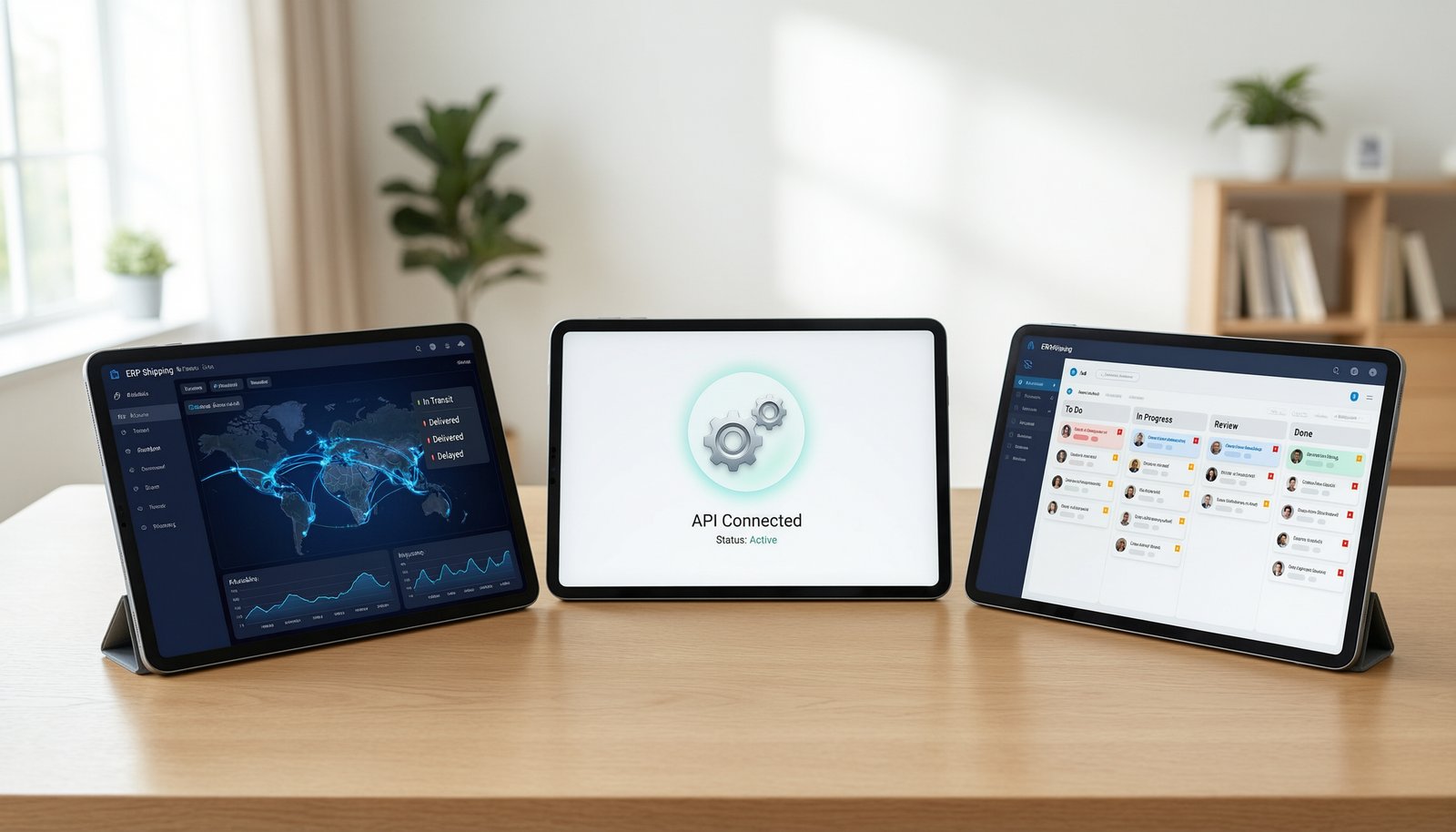
BizMation is the best process automation software for growing online shops because it handles order fraud, parcel tracking, and accounts inside one local system. Zapier wins instead if your team only needs simple web links between global office apps like Slack and Google Sheets without local courier sync.
Here is how the top tools compare across setup speed, manual effort, price tier, and primary use.
|
Method |
How long |
Effort |
Cost |
Best for |
|---|---|---|---|---|
|
BizMation (All-in-One Local ERP) |
1 to 2 days |
Low |
Medium |
Online shops handling retail shipping |
|
Zapier (No-Code App Connector) |
30 minutes |
Low |
Medium |
Simple notifications between standard apps |
|
Automation Anywhere (Enterprise RPA) |
2 to 6 months |
High |
High |
Large banks with custom legacy software |
|
Custom Python Scripting |
3 to 8 weeks |
High |
Low |
In-house engineering teams with dev time |
Platforms like BizMation bundle everyday retail tasks into a single dashboard.
Connect your online store checkout to the core hub in about 15 minutes.
Turn on the fraud check module to spot fake orders using customer phone history.
Link your parcel delivery accounts so shipping labels print automatically on orders.
Set inventory rules so stock levels update across your web shop and physical counters.
This method shines because your team gets order tracking, ad pixel logs, and staff timesheets without duct-taping ten different plugins together. When order delivery fails, the system saves the customer's phone number so your staff can call them back immediately. The main downside is that it focuses strictly on sales workflows; it won't write custom software code for you. If your staff struggles during setup, you don't need a developer licence because the company's support team works across 3 shifts to answer phone calls 24 hours a day.
Cloud connectors like Zapier link independent web tools using simple triggers.
Pick your trigger app, such as a form submission inside a Google Sheet.
Select an event filter, like verifying the submission contains a valid email address.
Map the fields into your target app, such as creating a new lead inside a sales CRM.
Run a live test to see if data copies over, then turn the automated link on.
This setup takes minutes to build and connects thousands of standard international services. It saves hours of manual data entry between your inbox and spreadsheets. However, connection fees climb fast when order volume surges, and it can't talk directly to regional parcel couriers or local delivery portals.
Robotic tools like Automation Anywhere use software bots to mimic human desktop actions.
Record an employee performing manual work inside legacy terminal screens.
Set strict system validation rules for numbers, dates, and form boundaries.
Build exception triggers that pass broken runs to a human supervisor.
Deploy the software bot to run continuously on an isolated desktop server.
This technology handles old back-office platforms that lack modern connection interfaces. It performs heavy document reading without human fatigue. The clear drawback is total setup complexity; it requires certified engineers to build, and tiny changes to user screen layouts can break the entire workflow. For basic tasks, writing simple scripts in Python is a fourth option, but maintaining code internally wastes precious hours unless you employ a permanent engineering team.
If you're in a hurry, pick Zapier because you can connect two web tools during your lunch break with zero coding.
If you're doing this for the first time with an e-commerce shop, choose BizMation. It fixes regional delivery headaches, prevents fake orders, and handles your warehouse inventory straight out of the box.
When you want the best possible result whatever it takes inside a massive enterprise, choose Automation Anywhere. A full enterprise bot system handles decades-old corporate programs without replacing the base software.
The core trade-off centers on simplicity versus ownership. Pre-built cloud tools let you launch immediately but charge for every task, while integrated commerce software handles your specific daily grind without hidden maintenance charges.
Clean data matters more than the software brand. Before automating any order flow, map your process on paper and write down who touches the order at each step. This rule prevents your business from automating broken workflows that duplicate mistakes.
Partway through setup, run a test batch using test customer accounts. A bad automation sequence can blast real customers with wrong shipping receipts, which hurts brand trust immediately. Check that user permissions match security standards like the ISO/IEC 27001 standard for data protection before handing access to team members.
Regularly review your failure log. Look closely at unassigned orders or interrupted data transfers so missing parcels don't sit unnoticed in your warehouse.
Yes. Modern e-commerce platforms check incoming buyer phone numbers against past return history. If a profile shows regular failed deliveries or fake address patterns, the software flags the checkout. Your dispatch team can then cancel the order or request an advance shipping deposit before packing the item.
Workflows break when third-party apps update their field names, server keys expire, or forms receive unexpected inputs. If a customer types letters into a phone number field, an unshielded workflow stops. Always add fallback rules to route unusual data straight to your manual review inbox.
Basic two-app links run in roughly 30 minutes using standard online templates. Complete commerce setups that combine inventory levels, delivery printing, and daily accounts usually take between one and two days. Enterprise robotics handling legacy bank mainframes require several months of planning, coding, and security testing.
Yes, provided your team uses role-based logins and restricts system administration rights. Never leave automation webhook links exposed publicly on the internet. Good platforms store data on secure private servers and log every automated edit, letting managers audit who moved inventory or changed order states.
The incoming tasks wait inside a queue until the server restarts, or the action drops completely depending on your settings. Hosted platforms on private infrastructure run continuous backup mirrors to prevent downtime. Always check your software's system dashboard weekly to verify queued runs processed successfully.